




Every Call Documented: Introducing Call Capture in HappyDoc
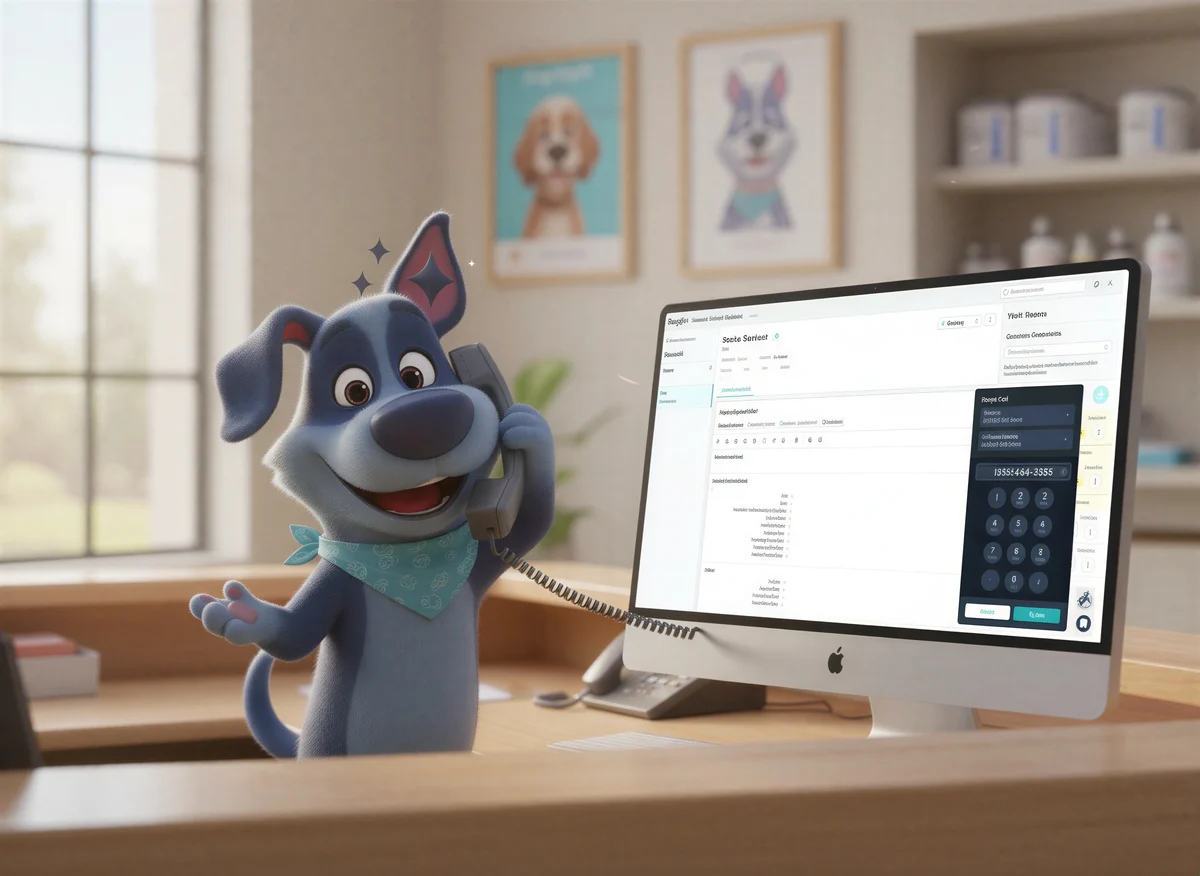
Phone calls are one of the most important touchpoints in veterinary client communication. They're how you deliver lab results, discuss treatment plans, check in on post-op patients, and build the kind of trust that keeps clients coming back. But for all their value, phone calls have always had a documentation problem: when the call ends, someone has to remember what was said, sit down, and write it up.
That gap (between what was discussed and what makes it into the medical record)_ is where important details get lost. And in a busy clinic where your team is already stretched thin, it's a gap that widens every day.
Call Capture closes it.

What Is Call Capture?
Call Capture is a new HappyDoc feature that brings phone call recording and transcription directly into the platform. It lets your team make calls to clients right from inside HappyDoc, records the conversation in the background, and then lets you generate any type of clinical document from the recording — automatically.
No more mental reconstructions. No more dictating from memory. No more scribbled notes that may or may not make it into the visit record. The call happens, HappyDoc listens, and the documentation follows.
Why This Matters for Your Practice
Telephone communication is one of the most relied-upon channels in veterinary client care, used for everything from patient updates to diagnostic results to post-discharge follow-ups. But it's also one of the least structured when it comes to documentation.
Think about the last time a DVM or tech called a client to discuss bloodwork results, only to realize afterward that none of it made it into the visit record. Or a follow-up call where a client mentioned a new symptom — information that should have been logged but wasn't because there was no easy way to capture it mid-conversation.
Documentation burden is a real and measurable problem in veterinary practice, with research suggesting that ambient scribes alone reduced after-hours work by 30% per day in one trial. Call Capture extends HappyDoc's veterinary AI capabilities into the one workflow that has historically fallen outside the reach of automation: the phone call.
How Call Capture Works
Getting started takes less than a minute. Here's the step-by-step:
1. Navigate to HappyDoc and Find Your Patient
Head to app.gohappydoc.com and log in. From the main dashboard, select the appointment date you're working with, then click Search by Patient to locate the patient record. Type the patient's name, select them from the results, and open their visit.
2. Initiate the Call
Inside the visit, you'll see a small phone icon at the top of the screen next to the patient's name. Click it to start the call process. Before dialing, take a moment to confirm that the correct caller ID is selected — this is the number the client will see on their end. Enter the client's phone number and click Call.
3. How the Call Connects
Here's how the connection works: once you click Call, HappyDoc acts as the initiator. It first calls your phone number. Once you pick up, HappyDoc then connects you to the client. Think of it as a three-way call where HappyDoc is simply a silent listener in the background, recording the conversation so it can be used for documentation afterward.
One important tip: answer promptly when your phone rings first. HappyDoc will be waiting to bridge the connection to your client.
4. Generate Documents from the Recording
After the call ends, the recording will appear in your visit assets. Select the clip or clips you want to use, then click Generate. From there, you can create any type of record from the call — SOAP notes, callback summaries, follow-up plans, or whatever documentation the visit requires. HappyDoc processes the conversation and produces structured, ready-to-review documentation in seconds.
5. Review and Finalize
Before saving, take a moment to review the generated documents to confirm everything looks accurate. Once you're satisfied, the records are finalized and attached to the patient's history.
What You Can Generate from a Call Recording
One of the most powerful aspects of Call Capture is its flexibility. You're not locked into a single document type. Any record that HappyDoc can generate from an appointment, it can generate from a call recording. That includes:
- SOAP notes
- Callback and follow-up summaries
- Treatment plan updates
- Client communication logs
- Any custom template your practice uses
This means that whether you're calling to discuss a diagnosis, relay specialist recommendations, or check in after a procedure, the conversation automatically becomes part of the patient's record — structured, searchable, and ready for the next team member who needs it.
A Better Experience for Clients, Too
Great veterinary care doesn't just happen in the exam room — it's shaped by every message and conversation in between. When your team calls a client and that conversation is fully captured and logged, the entire client experience improves. The next DVM or tech who pulls up that patient's record sees the full picture, not just the in-clinic visits. Follow-up calls are better informed. Nothing slips through the cracks.
Phone calls remain one of the most effective channels for building lasting relationships with clients, and Call Capture makes sure those conversations actually count — not just in the moment, but in the record.
Quick Tips for Getting the Most Out of Call Capture
Check your caller ID before every call. This is what the client sees on their screen, so confirm the right number is selected before you dial.
Answer your phone promptly. HappyDoc calls your number first, then connects you to the client. If you miss that first call, the connection won't go through.
Generate more than one document type. A single call might warrant a callback summary and a SOAP note update. You can generate multiple record types from the same recording.
Review before finalizing. HappyDoc's veterinary AI produces highly accurate documentation, but a quick review before saving ensures everything reflects the conversation correctly.
How to Get Started
Call Capture is available now for HappyDoc customers. To activate it in your account, reach out to liz@happydoc.ai. For a full walkthrough of the feature, visit the HappyDoc Help Center.
Not yet a HappyDoc customer? Book a demo to see how Call Capture and the rest of the HappyDoc platform can work for your clinic.
Call Capture is available to HappyDoc customers. Contact liz@happydoc.ai to activate the feature in your account.


.png)

.png)


